
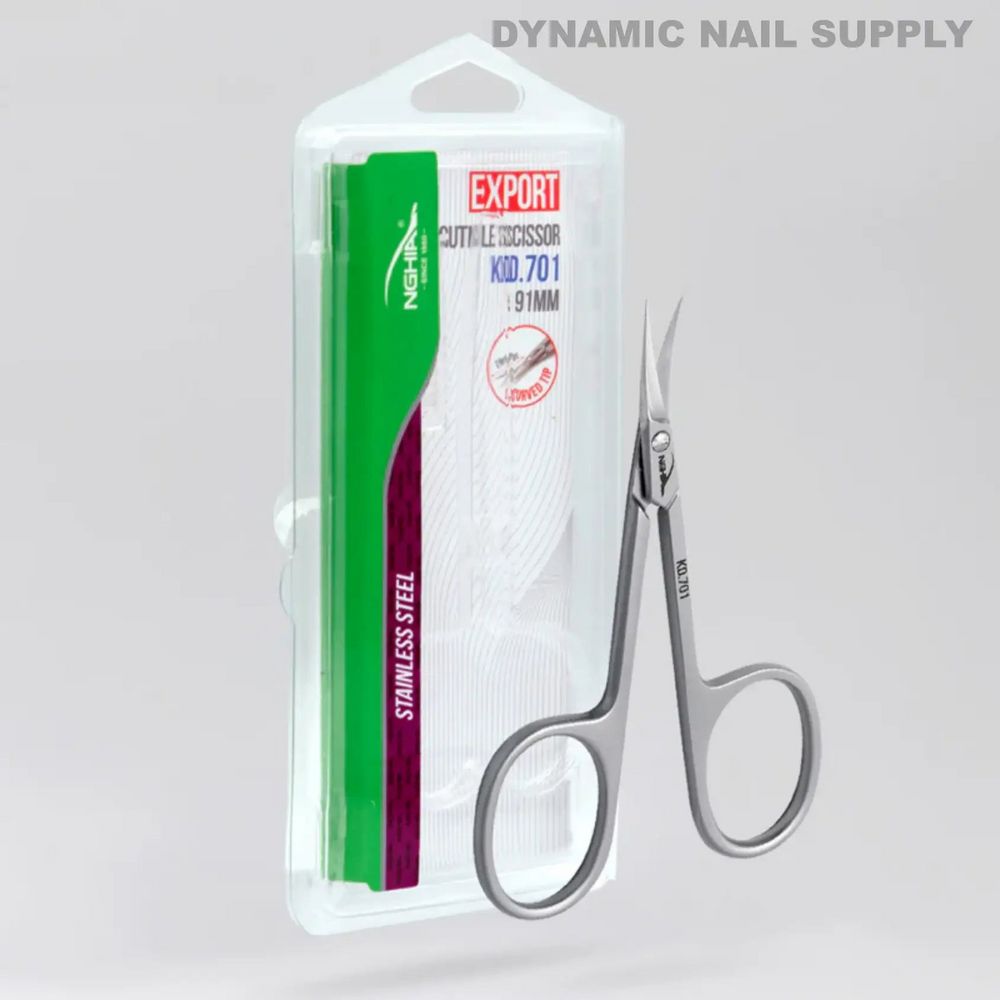
Unexpectedly, a small colored label on retail packaging can change how a salon manages infection control. The KD.701 — a curved-tip stainless cuticle scissor with etched model code and matte-finish body — offers clear visual cues (green and purple panels, a red EXPORT label, and black printed text) that salons can use to build a simple, repeatable color-coding system for tracking use and sterilization.
Prep: Assign Clear Colors and Labels
Do
- Assign a single color to a specific service or status (for example: green = ready for use, purple = post-use awaiting sterilization, red = retired/for-sharpening). Use the KD.701 retail accent colors as a starting palette so existing packaging helps reinforce the system.
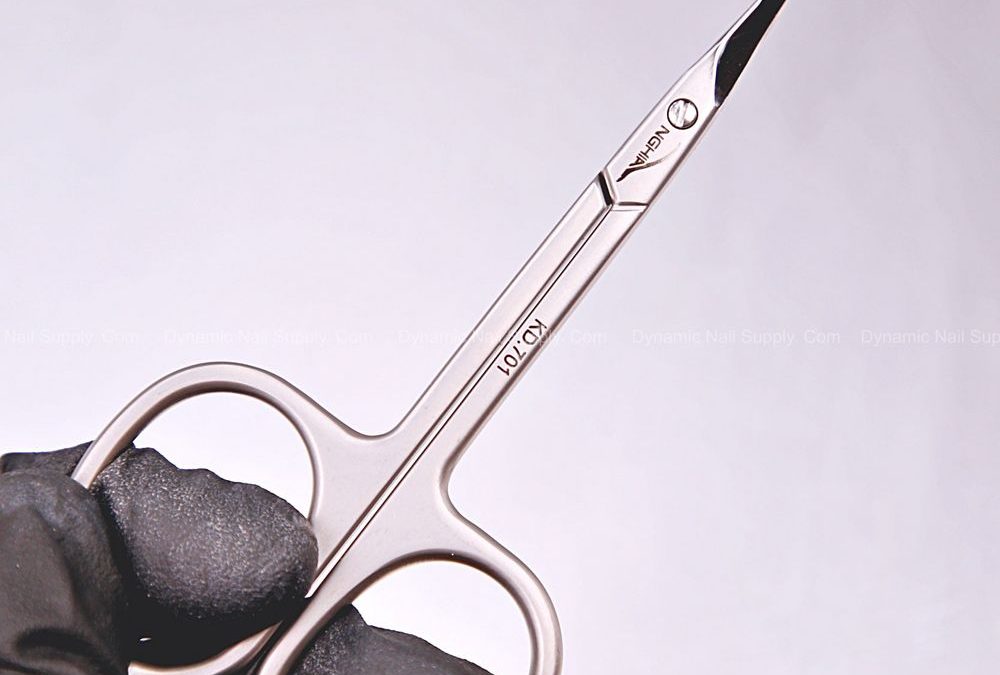
- Tag the KD.701 by adding a durable matte light-gray sleeve or adhesive band near the handle where the etched KD.701 mark is visible; this keeps the tool’s identity clear while adding the salon’s color tag.
- Record the assigned color and its meaning on a laminated station card so technicians know the standard without guessing.
Don’t
- Mix meanings — avoid having the same color mean both ‘‘needs sterilization’’ and ‘‘reserved for pediatrics.’li>
- Cover the etched KD.701 model number with labeling; the permanent ID helps when cross-referencing inventory and maintenance logs.
Common mistake:
Placing color tags on blade edges where they’re removed during cleaning; tag placement should survive sterilization cycles or be applied to removable sleeves.
Use: Workflow for Service, Sterilization, and Tension Adjustments
Do
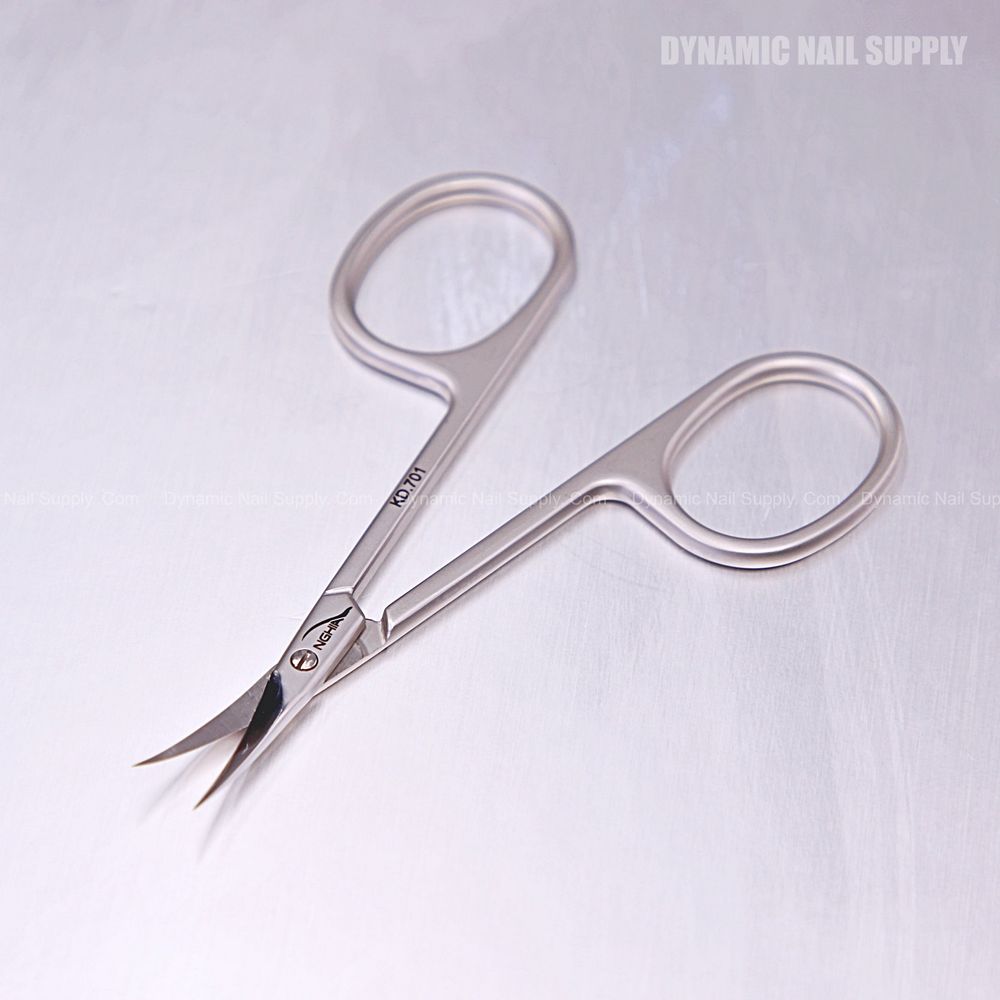
- Use the KD.701 curved tip only for cuticle and dead-skin trimming; its 19 mm curved blades are for precise work around the nail contour. Reserve color-specific scissors for clients or service types according to your assigned scheme.
- After service, switch the color marker to indicate ‘‘used’’ (for example, purple). Move the KD.701 into the designated holding area for instruments awaiting sterilization.
- Note adjustable pivot tension in your checklist: a quick tension check after sterilization ensures the KD.701 remains smooth and safe to use.
Don’t
- Use the same untagged scissors across multiple client types without sterilizing and re-tagging between services.
- Allow unchecked pivot screws to loosen; user-adjustable tension should be tightened or loosened only with proper tools and recorded in maintenance logs.
Common mistake:
Assuming color alone prevents cross-use; colors must be enforced by placement rules and regular staff checks.
Cleanup: Sterilize, Inspect, and Re-tag Correctly
Do
- Follow your salon’s sterilization protocol for stainless steel scissors: clean, dry, then autoclave or approved chemical sterilization, and allow items to cool before re-tagging. The KD.701’s stainless construction tolerates standard professional sterilization methods.
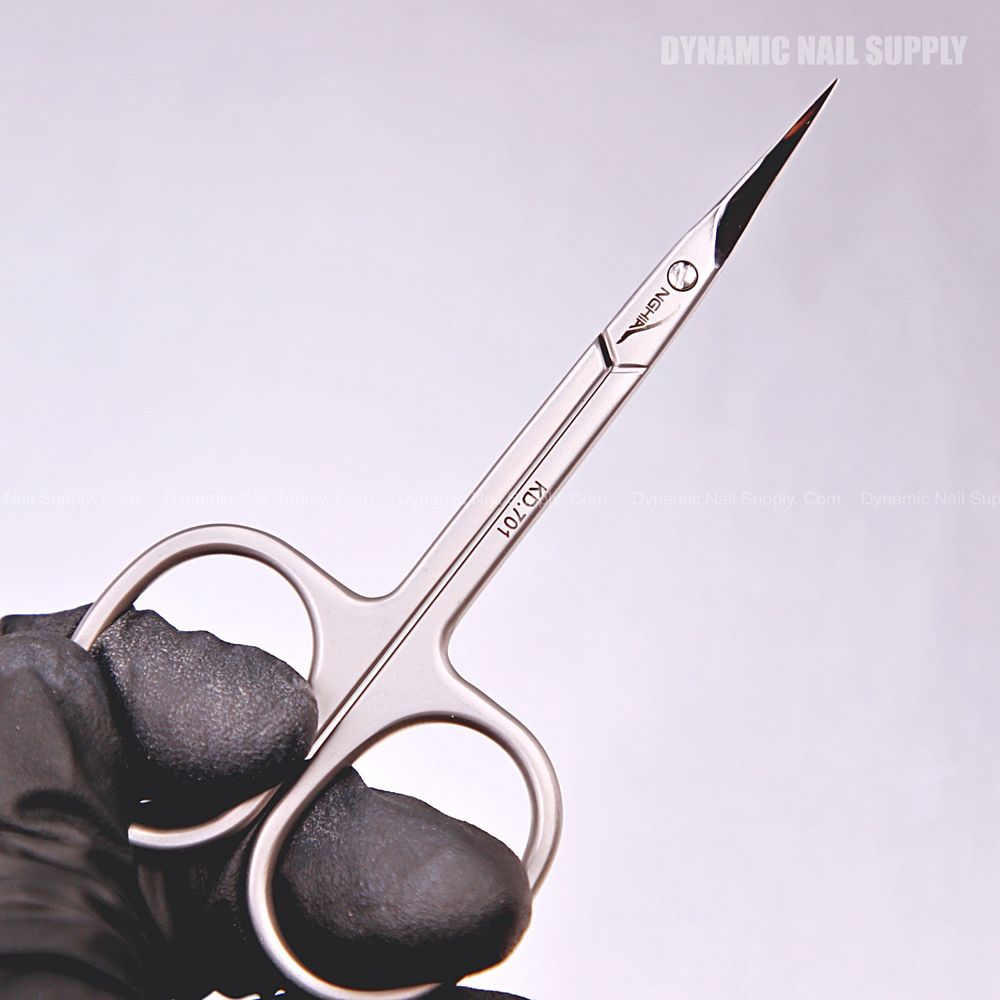
- Inspect the KD.701 after sterilization for sharpness, corrosion, and secure pivot tension; use the etched KD.701 marking to log the specific tool’s maintenance history.
- Return the tool to its ‘‘ready’’ color (for example, green) only after sterilization and inspection pass.
Don’t
- Re-tag a tool as ready while it’s still warm or damp from sterilization; moisture compromises sterility and adhesive tags.
- Ignore minor rust or grooves found near the blade edge; remove the tool from service and mark it red for repair or replacement.
Common mistake:
Using non-heat-resistant bands or labels that degrade in autoclave cycles; choose materials rated for your sterilization method.
Storage: Keep Tagged Tools Visible and Organized
Do
- Store KD.701 scissors in a matte light-gray case or tray with labeled compartments; this matches the product’s visual tone and helps staff spot color-coded statuses quickly.
- Arrange storage so the etched KD.701 mark faces up; visible model IDs and colored bands reduce sorting errors during busy shifts.
- Limit the number of colors to a practical palette (three to five) to avoid confusion while keeping contrast strong — use black printed text tags for service codes when color alone isn’t specific enough.
Don’t
- Mix freshly sterilized instruments with used ones in the same compartment; maintain separate zones for ready, used, and service-needed items.
- Rely solely on small stickers that can peel away; use durable sleeves or etched tags supplemented by visible colored packaging accents.
Common mistake:
Overcomplicating the palette; too many hues slow down staff and increase mistakes.
Next step: choose one simple three-color scheme that matches the KD.701 retail accents and pilot it for two weeks with a station checklist; record failures and tweak placement rules.
Record the KD.701 model and status in your inventory when you tag the curved cuticle scissors so tracking stays accurate: curved cuticle scissors